What’s New: Keep Awareness Aligned With the Threats You Face
We’re helping teams turn real phishing attacks into relevant simulations, create custom scenarios with less effort, prepare employees for emerging threats such as ClickFix, support the shift towards passwordless authentication, and make everyday programme management more scalable.
What’s new
- Recreate Attack to turn real phishing examples into relevant simulations faster
- A new Template Studio for creating and tailoring simulations
- New lesson: Recognizing and Responding to ClickFix Attacks
- New lesson: Using Passkeys Securely and Recognizing Fraud
- Personalised Learning progress transfer between campaigns
- Bulk classification and stronger audit history in Threat Inbox
- More granular admin roles for safer delegation
- Lithuanian and Latvian support across key awareness experiences
- A refreshed Learning Analytics experience
Adapt simulations to your risk reality
When a phishing email reaches your organisation, the insight should not stop with the incident.
With Recreate Attack, upload a screenshot of a real phishing email and turn it into an editable simulation in minutes. Use it in the campaigns you already run, so employees can practise against the same tactics targeting your organisation.
This helps turn real-world threat intelligence into practical reinforcement, so employees can learn from what has already happened before a similar attack reaches the next inbox.
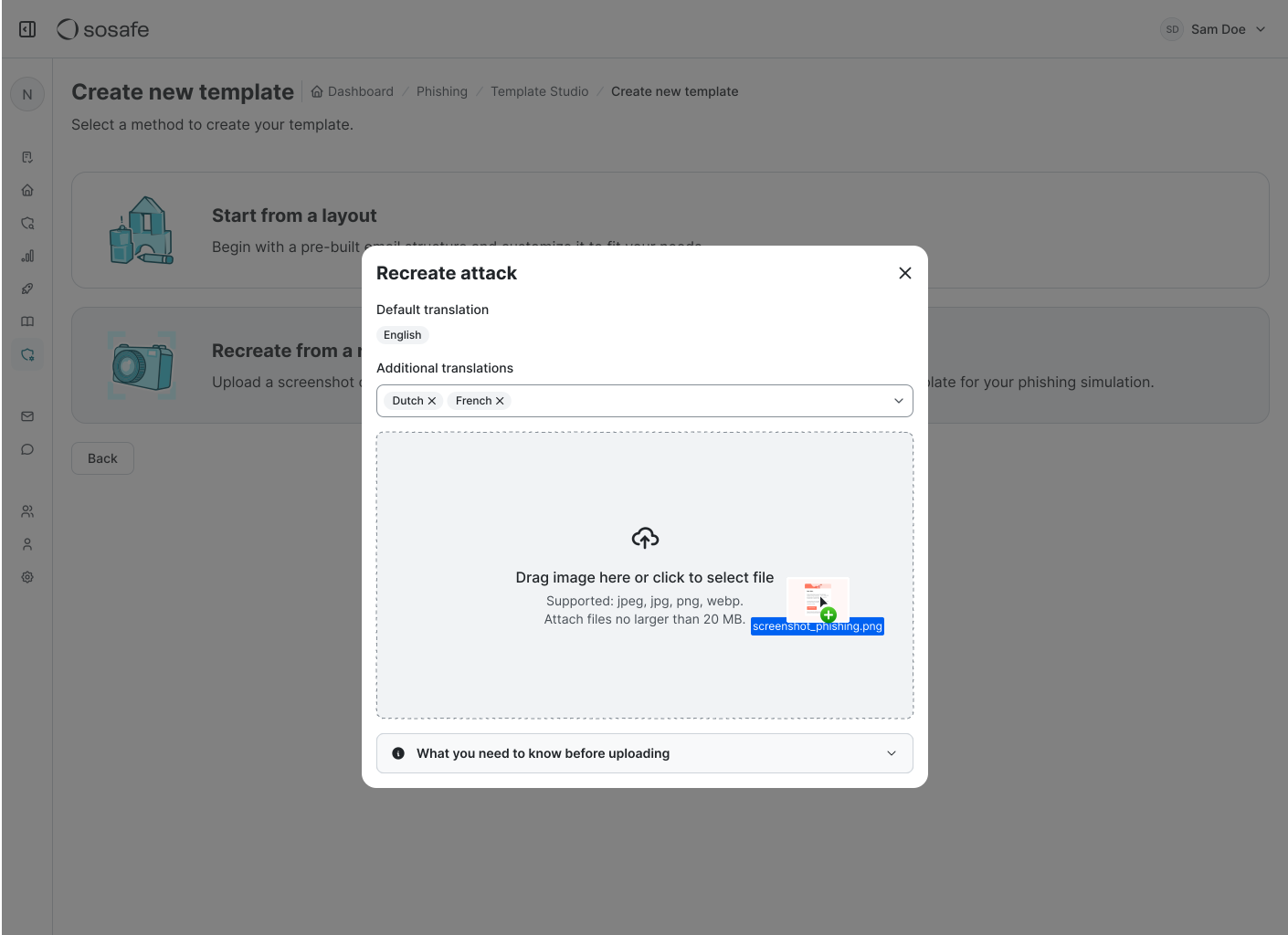
Available on Premium and Advanced plans and above.
Make relevant simulation creation scalable for lean security teams
Relevant simulations work best when they reflect the brands, suppliers, and situations employees actually encounter. But creating those scenarios manually can quickly become time-consuming.
Template Studio replaces the previous editor with a drag-and-drop builder, making it easier to create and adapt simulations around your organisation without adding unnecessary admin work.
Together, Recreate Attack and Template Studio help teams respond quickly to real attacks while also building tailored scenarios for the risks they already know matter.
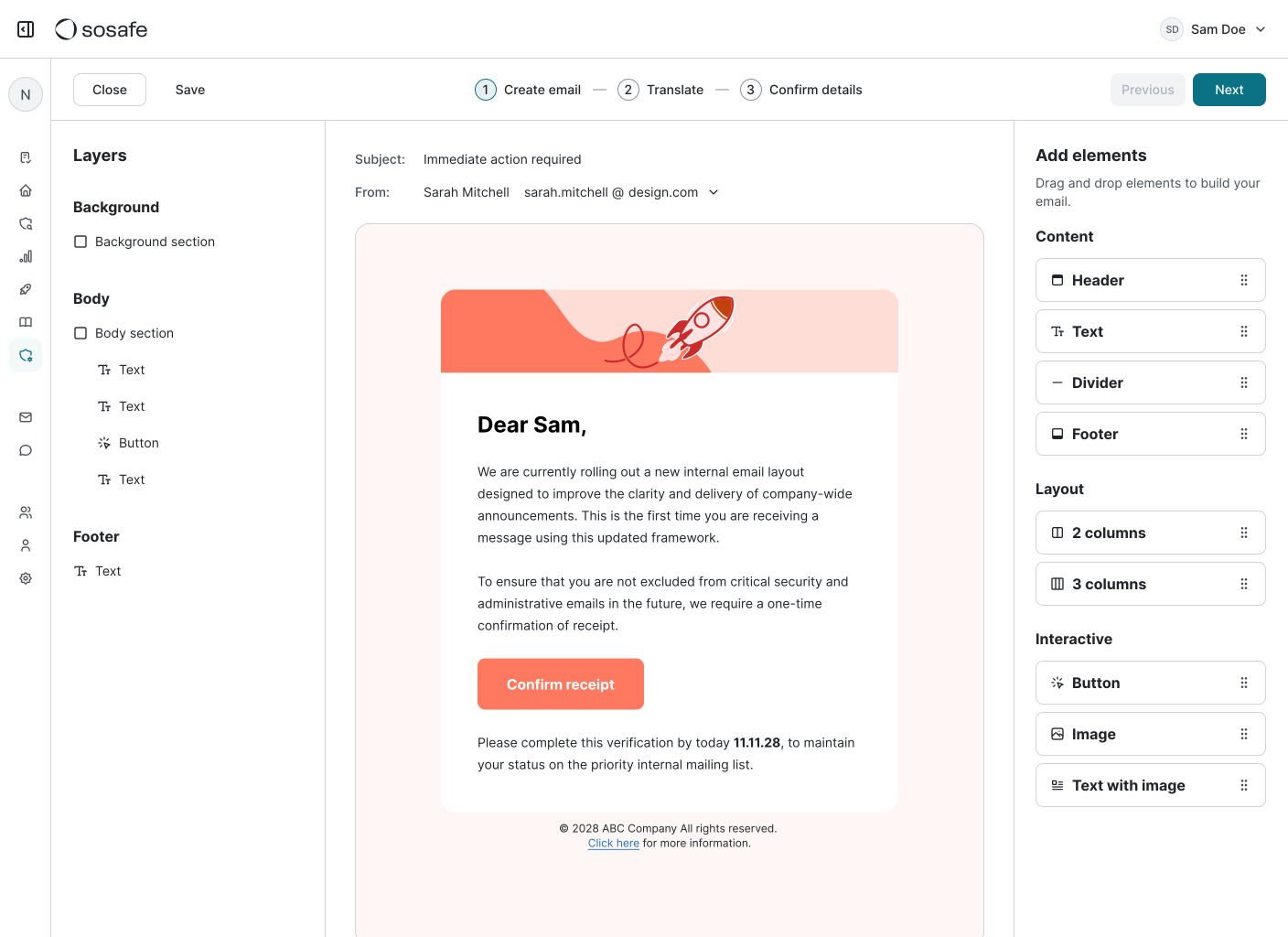
Available on Professional and Core plans and above.
Help employees recognise attacks disguised as routine verification
Not every attack starts with a suspicious attachment or an obvious malicious link.
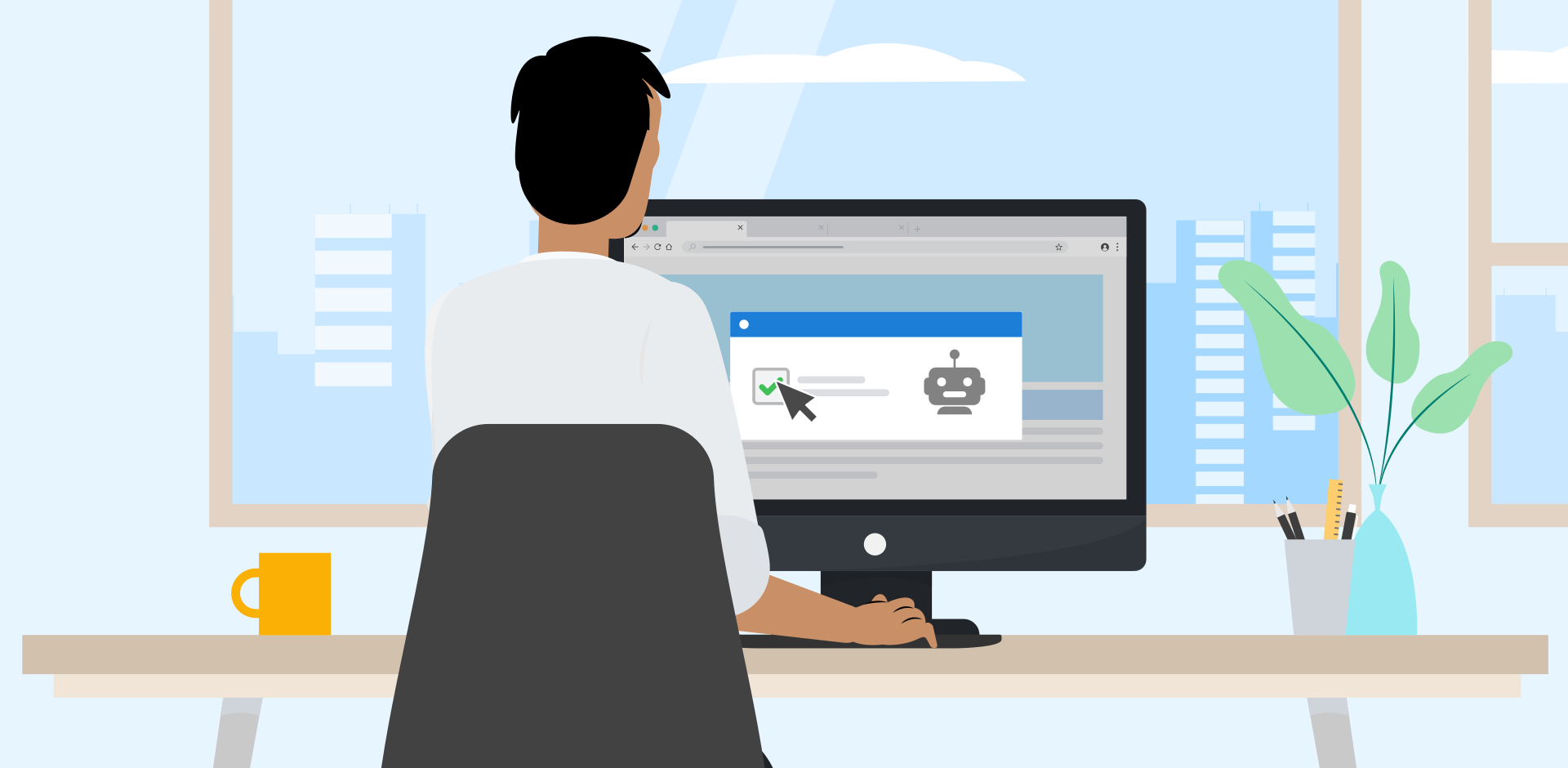
ClickFix attacks can use fake browser checks or CAPTCHA-style prompts to convince users to copy, paste, or execute malicious commands themselves. Because the interaction can look like a routine verification step, employees may not immediately recognise it as a threat.
The new lesson Recognizing and Responding to ClickFix Attacks helps employees understand how these attacks work, spot unusual instructions, and stop before taking an unsafe action.
The topic is increasingly relevant, ClickFix has been linked to recent attacks targeting Berlin authorities and has prompted an official warning from Germany’s Federal Office for Information Security (BSI).
Available on Professional and Core plans and above.
Prepare employees for secure authentication beyond passwords
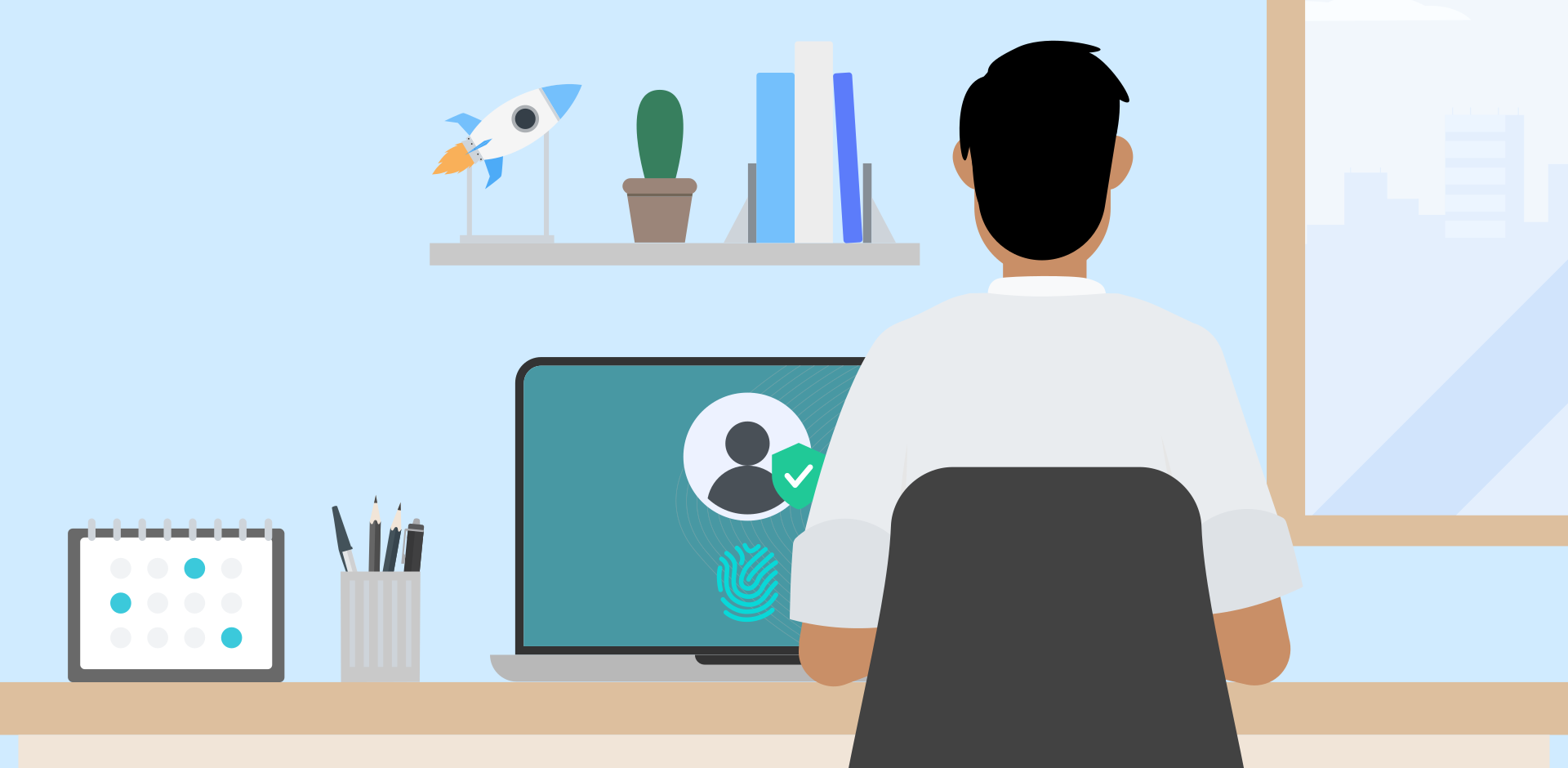
As organisations move towards passkeys and passwordless authentication, employees are beginning to encounter sign-in and recovery experiences that look different from traditional passwords.
The new lesson Using Passkeys Securely and Recognizing Fraud helps employees understand what legitimate passwordless authentication looks like and recognise suspicious login, approval, or account-recovery requests.
For IT and security teams introducing passwordless initiatives, this helps ensure employee understanding keeps pace with the technology itself.
Available on Professional and Core plans and above.
Keep learner progress intact as Personalised Learning campaigns change
Learner progress can now carry over when you move employees into a new Personalised Learning campaign. Refresh or restructure campaigns as priorities change, without asking employees to repeat content they’ve already completed.
Triage reported threats in a fraction of the time
Threat reporting volumes can rise quickly after phishing waves or major incidents. Threat Inbox admins can now classify multiple reported emails at once instead of working through every report individually. That means teams can move through high-volume queues faster, spend less time repeating the same classification task, and focus more attention on reports that genuinely require investigation.
Available on Premium and Advanced plans and above.
Keep a full audit trail for every threat decision
Resolved reports now stay in Threat Inbox with their complete classification history, what was reported, how it was classified, and every change since. When new information surfaces, reclassify without reopening the case. When auditors or incident responders ask how a report was handled, the answer is already documented.
Available on Premium and Advanced plans and above.
Delegate administration with greater control
Large awareness programmes rarely sit with one administrator. New, more granular admin roles make it easier to separate responsibilities such as user management, campaign management, and analytics access.That allows organisations to distribute day-to-day programme ownership more safely, giving teams the access they need without unnecessarily broad permissions.
Reach more employees in their preferred language
Awareness programmes are more effective when employees can engage with them in a language they understand comfortably. Lithuanian and Latvian are now available across our new interactive E-Learning lessons, phishing templates, and the Phishing Report Button.
Employees in the Baltics get the same experience as colleagues elsewhere, with no workarounds or fallback languages.
A more consistent view of learning performance
Learning Analytics now uses the same design system as the rest of the platform. Charts, colours and labels look different, but KPIs, data, filters and exports are unchanged, so your existing reporting keeps working. It also lays the groundwork for a more unified analytics experience across SoSafe.
Awareness that keeps pace with your organisation
The common thread across September’s releases is relevance. Security teams need training that reflects the threats their employees actually face, content that keeps pace with changing security practices, and operational workflows that do not become more burdensome as programmes grow.
For questions about any of these updates, please contact your SoSafe representative or visit our Knowledge Base.
SoSafe Product News


Do you want to stay ahead of the cyber game?
Sign up for our newsletter to receive the latest cyber security articles, events, and resources. No spam, only content that truly matters.


















 Reports
  Guides
  Blog
Blog  Glossary
  Perks
Perks  Customer stories
  Newsletter signup
  Webinars
  Replays
  Podcast
  All events
  Signal Security Summit
  Danger Lab
 Why SoSafe
  Careers
  News & press
  Contact