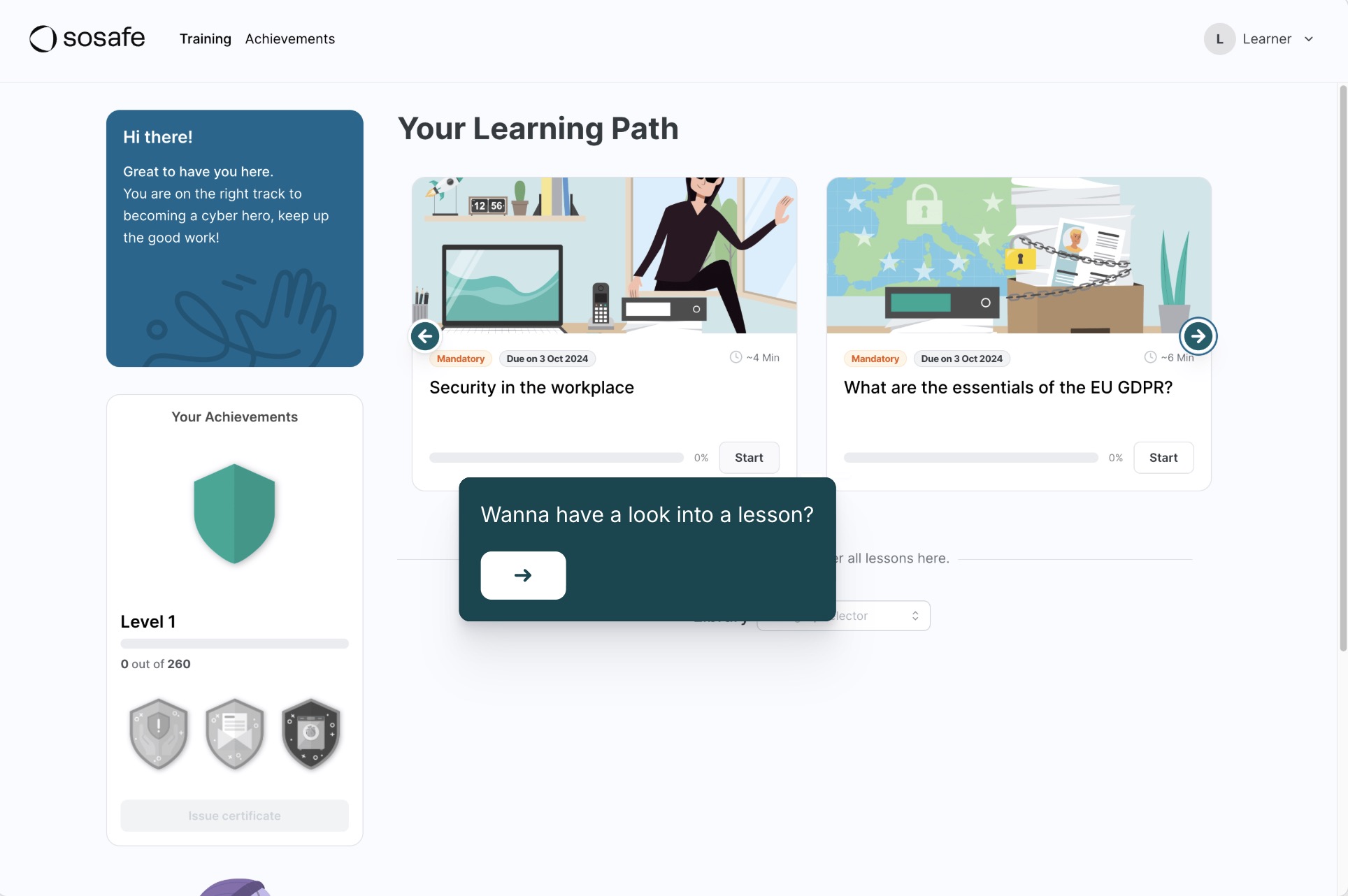
Personalised E-Learning
Discover how interactive e-learning:
- adapts to individual work contexts, personalising the experience;
- uses gamification to help retain information and build instinctive secure habits.
Demo centre
Discover how you can turn security awareness into instinctive habits, and measure your organisation’s human risk. Walk through interactive demos of our platform below, or book a live custom demo tailored to your organisation.
Discover how interactive e-learning:
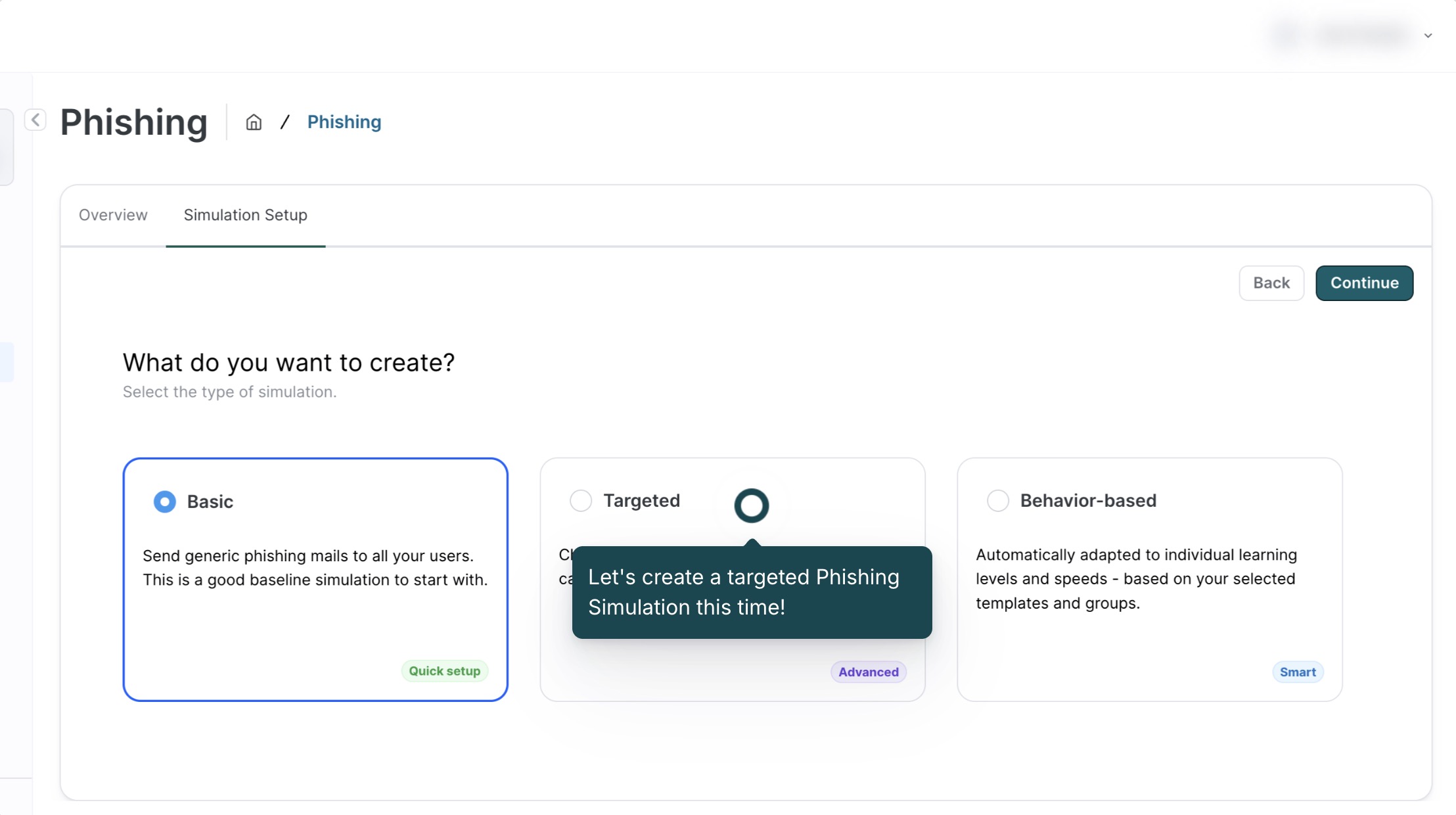
Discover how to set up targeted simulations:
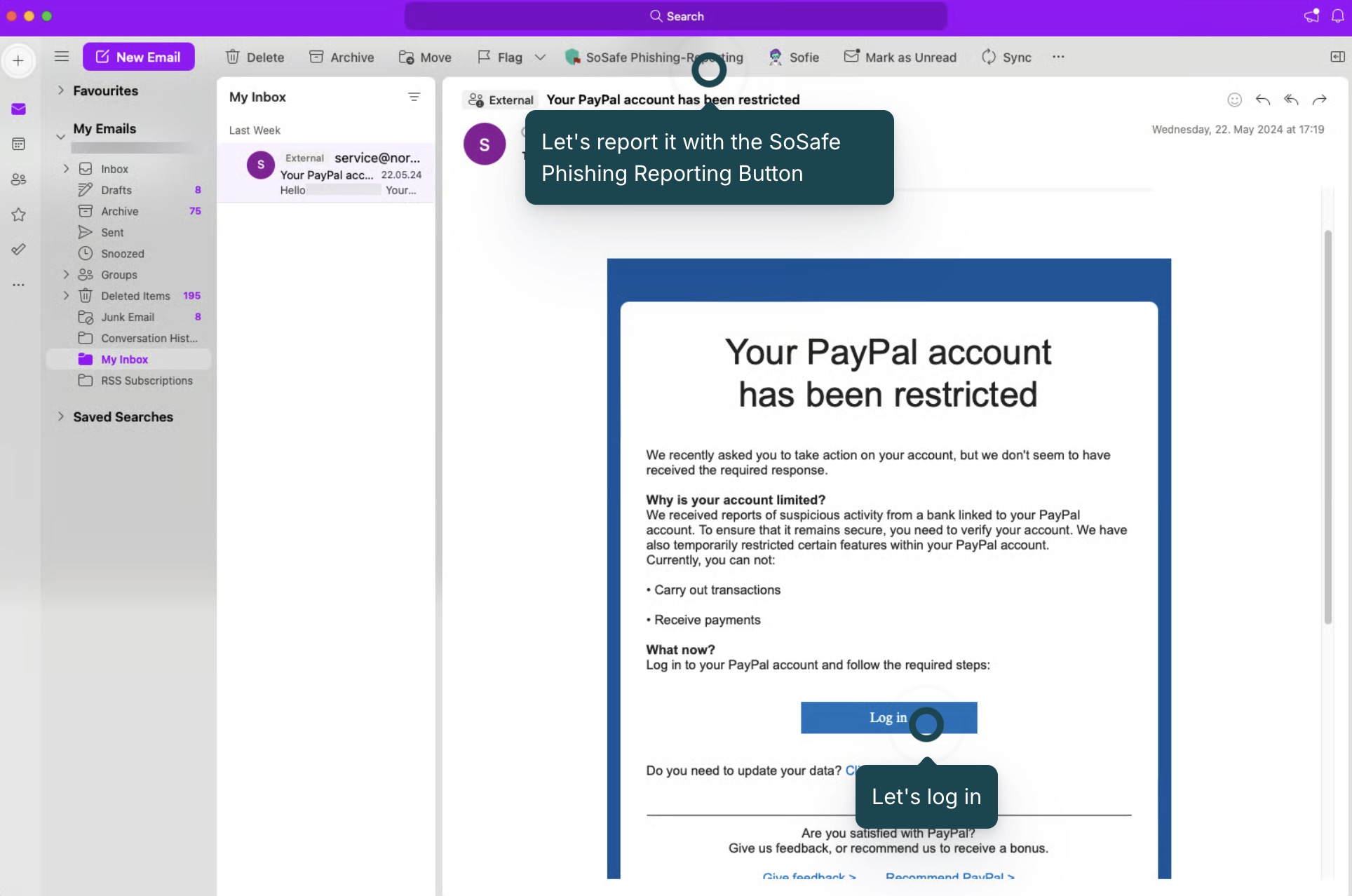
When users spot a suspicious email:
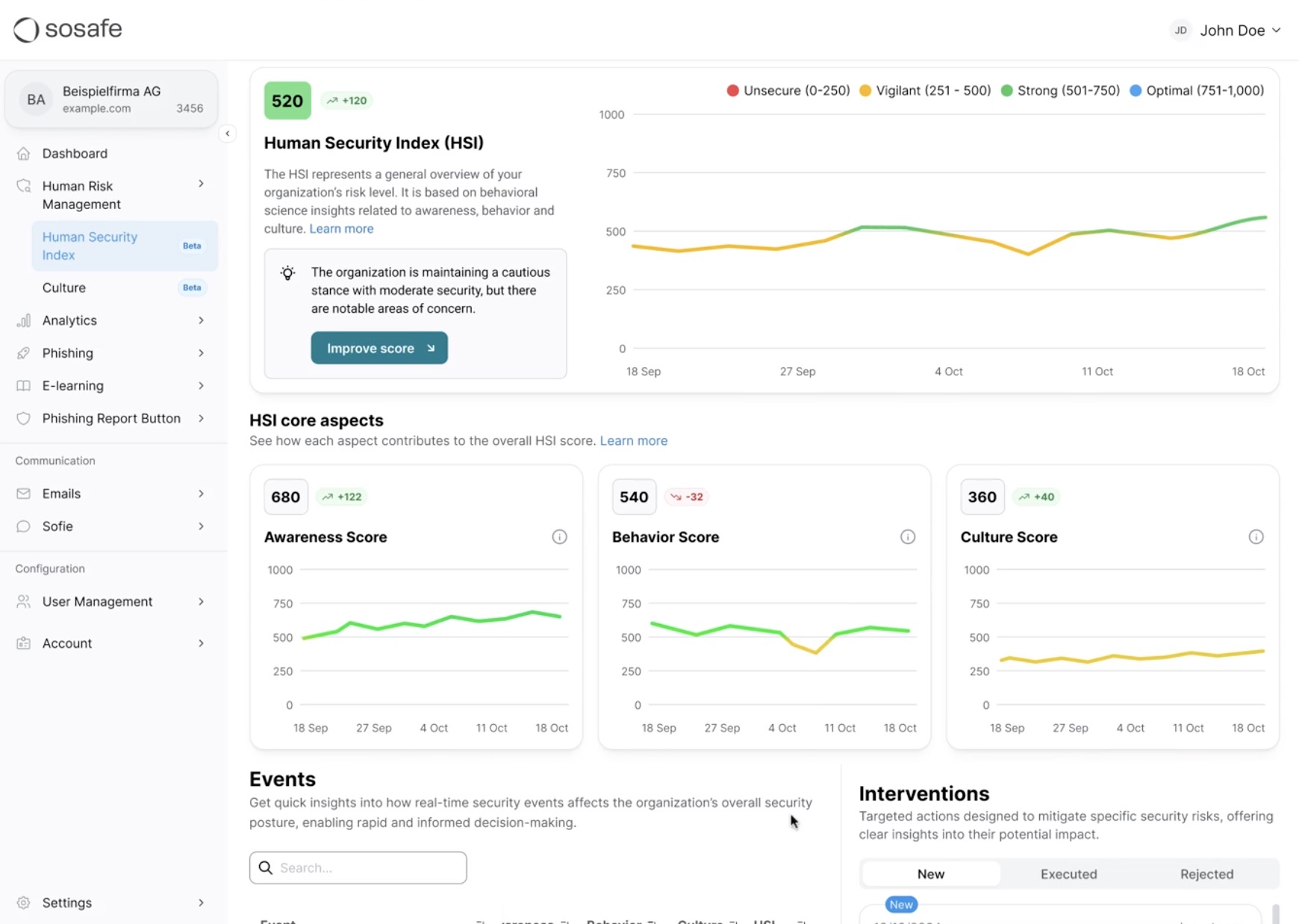
Manage your organisation’s human risk:
See how adaptive content and gamification deliver role-specific microlearning that builds secure daily habits.
Discover how interactive e-learning:
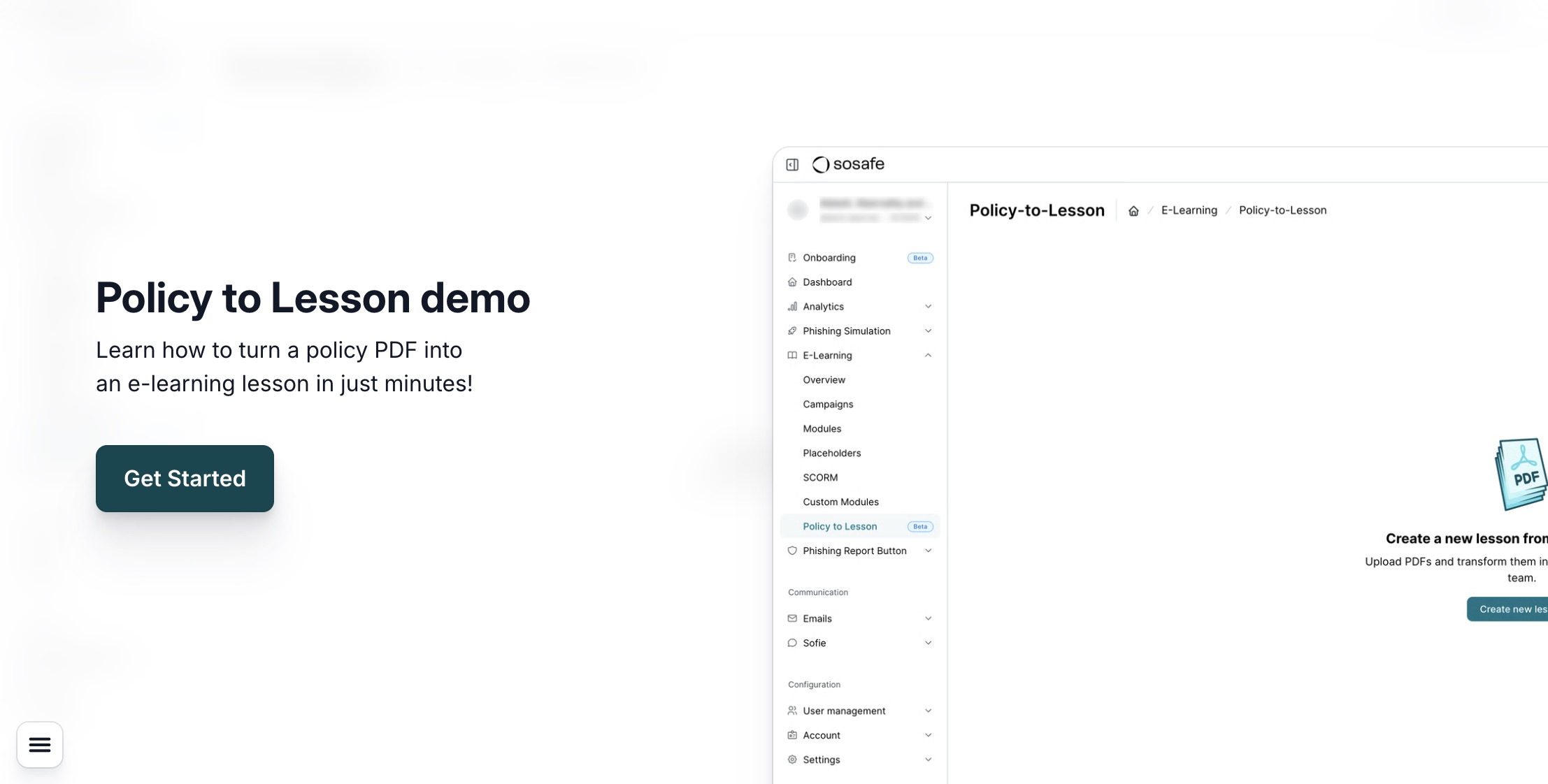
Discover how to turn multi-page PDFs into bite-sized, engaging e-learning lessons, with no manual effort:
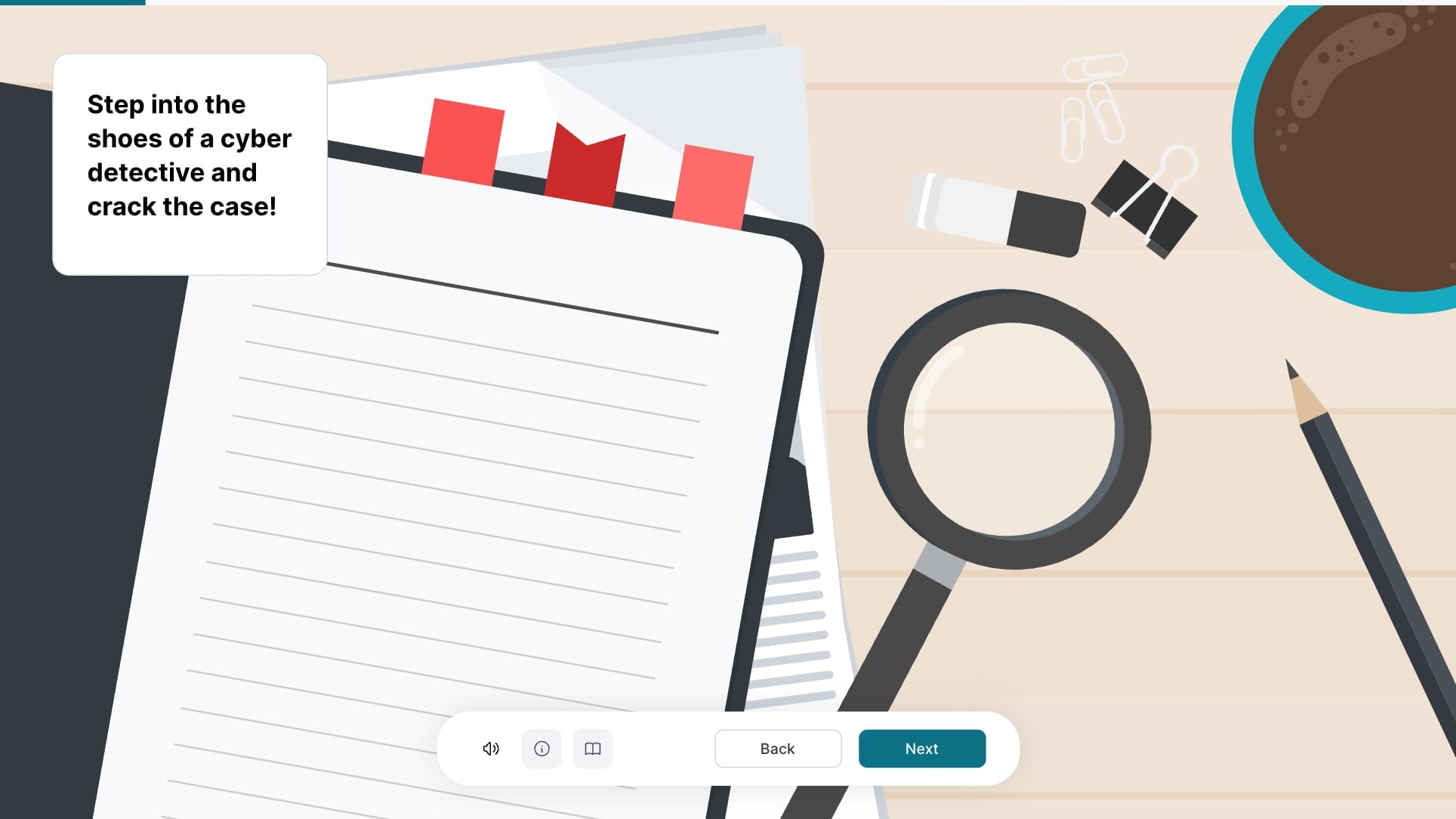
Discover how interactive modules combine behavioral science with gamification to form instinctive everyday safety routines.
What you will encounter within these interactive modules:
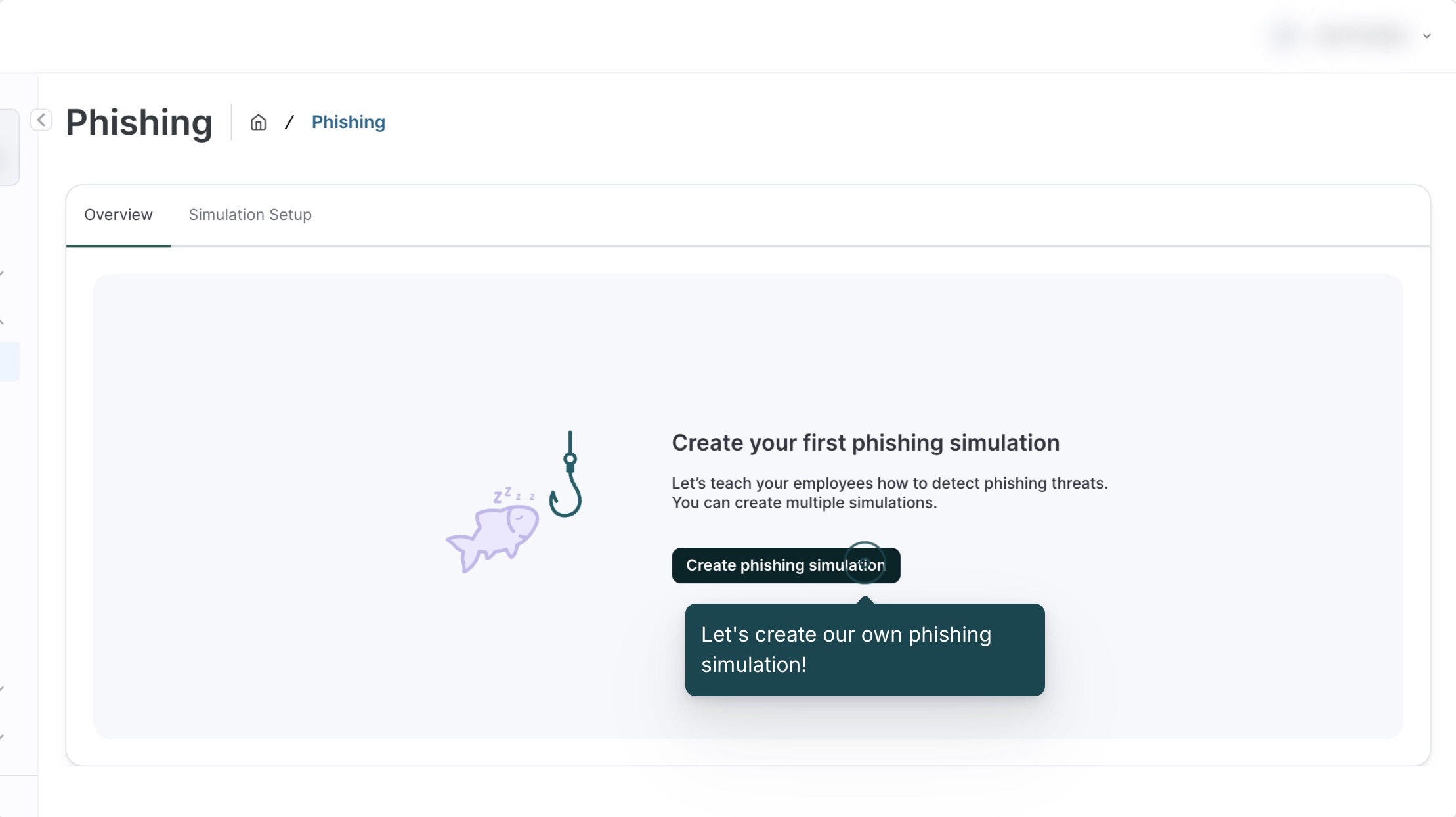
Explore how easily you can set up personalised multi-channel attack simulations in minutes using automated, role-based targeting.
Discover how to set up targeted simulations:
Discover how to set up basic simulations:
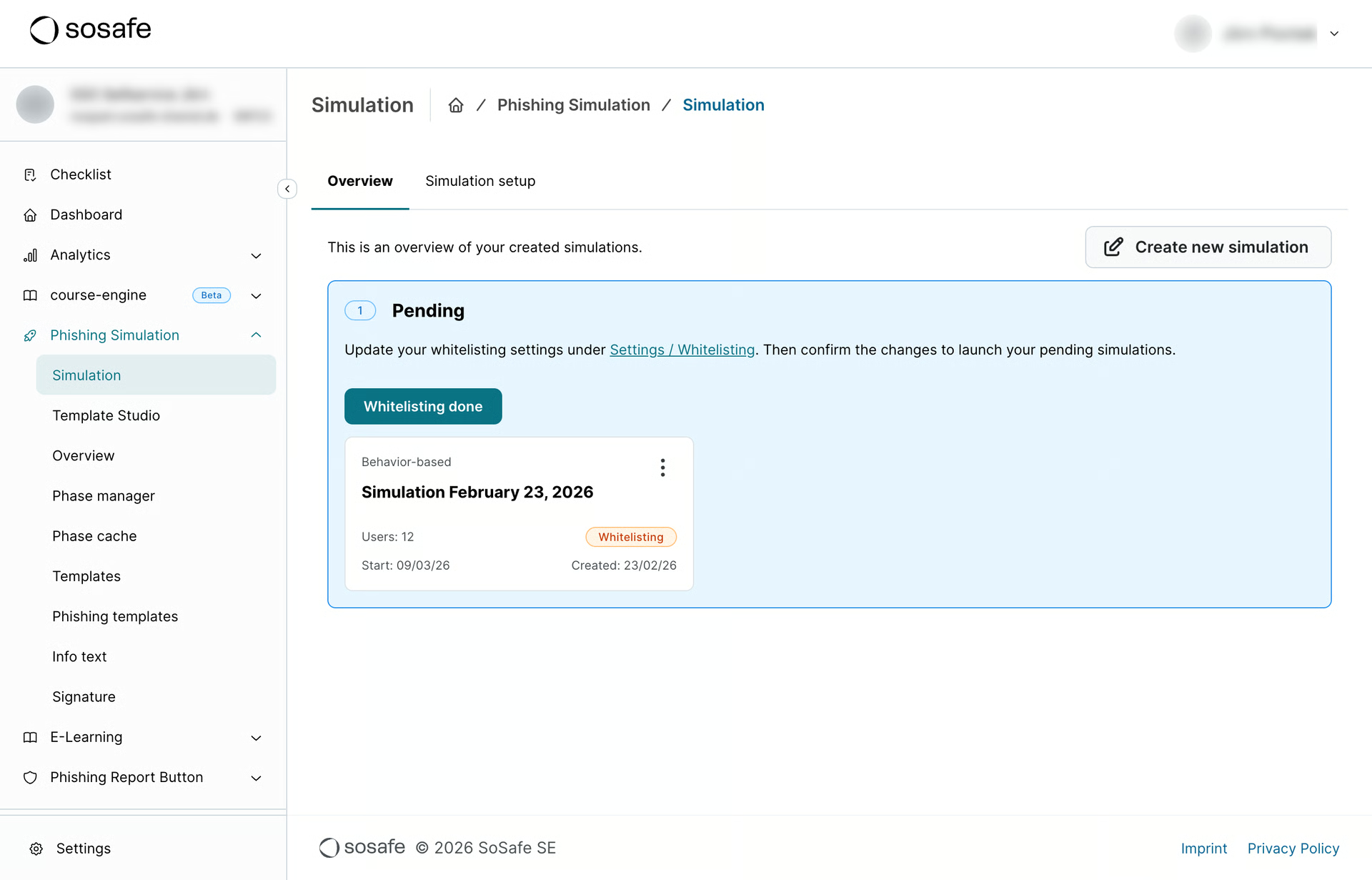
Discover how to set up behaviour-based simulations:
Discover how to recreate real phishing attacks into simulations in minutes:
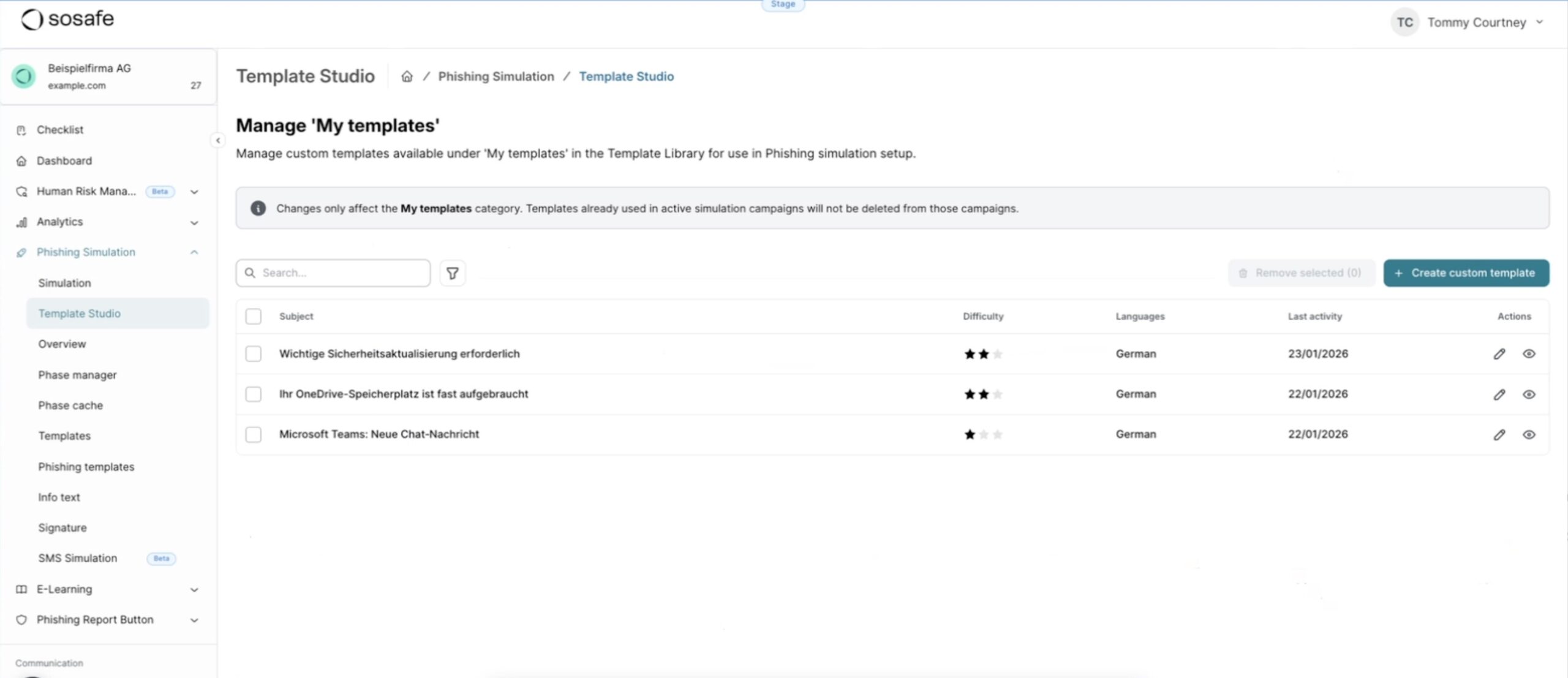
Discover how to set up quick and easy SMS phishing simulations:
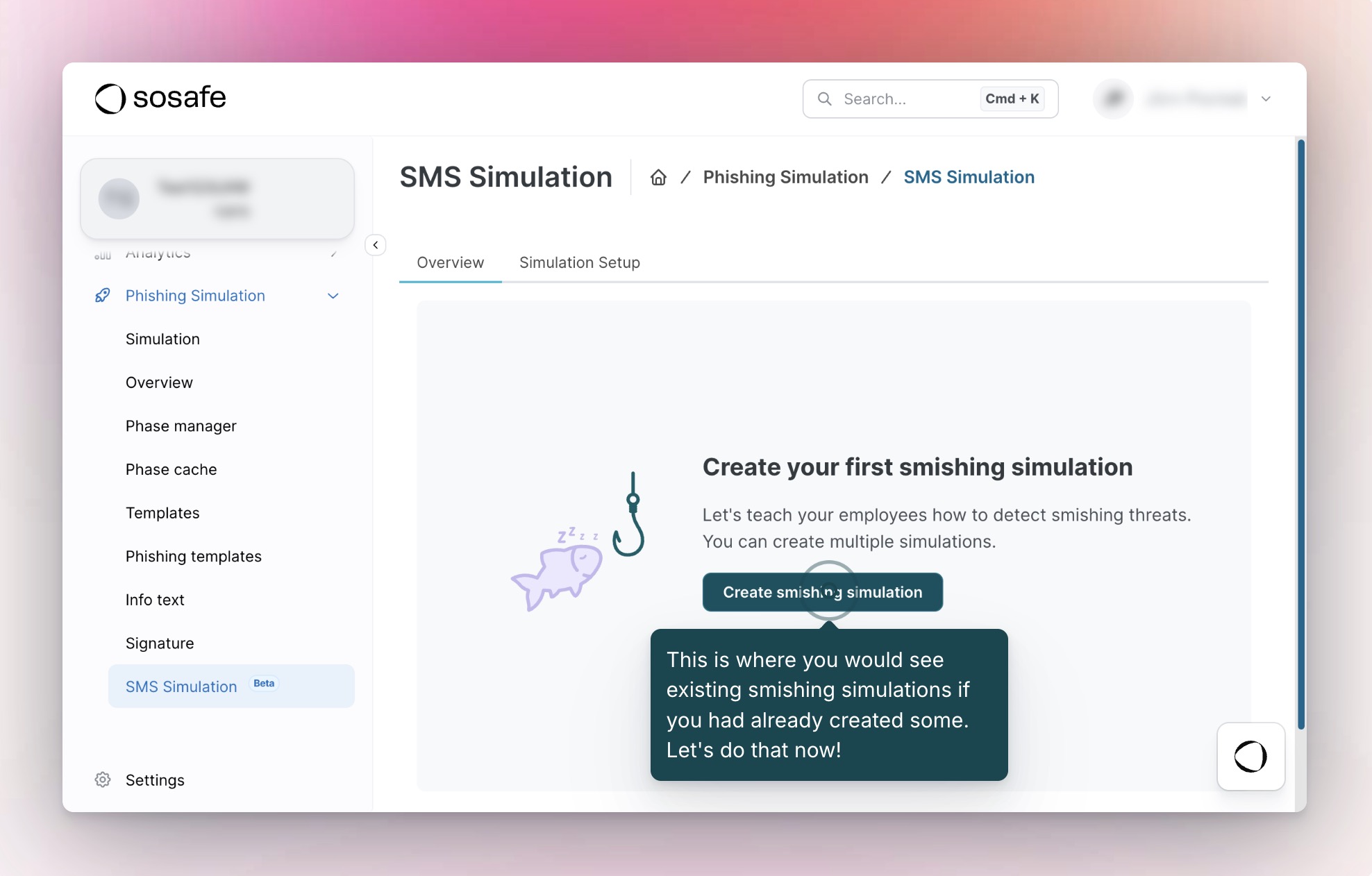
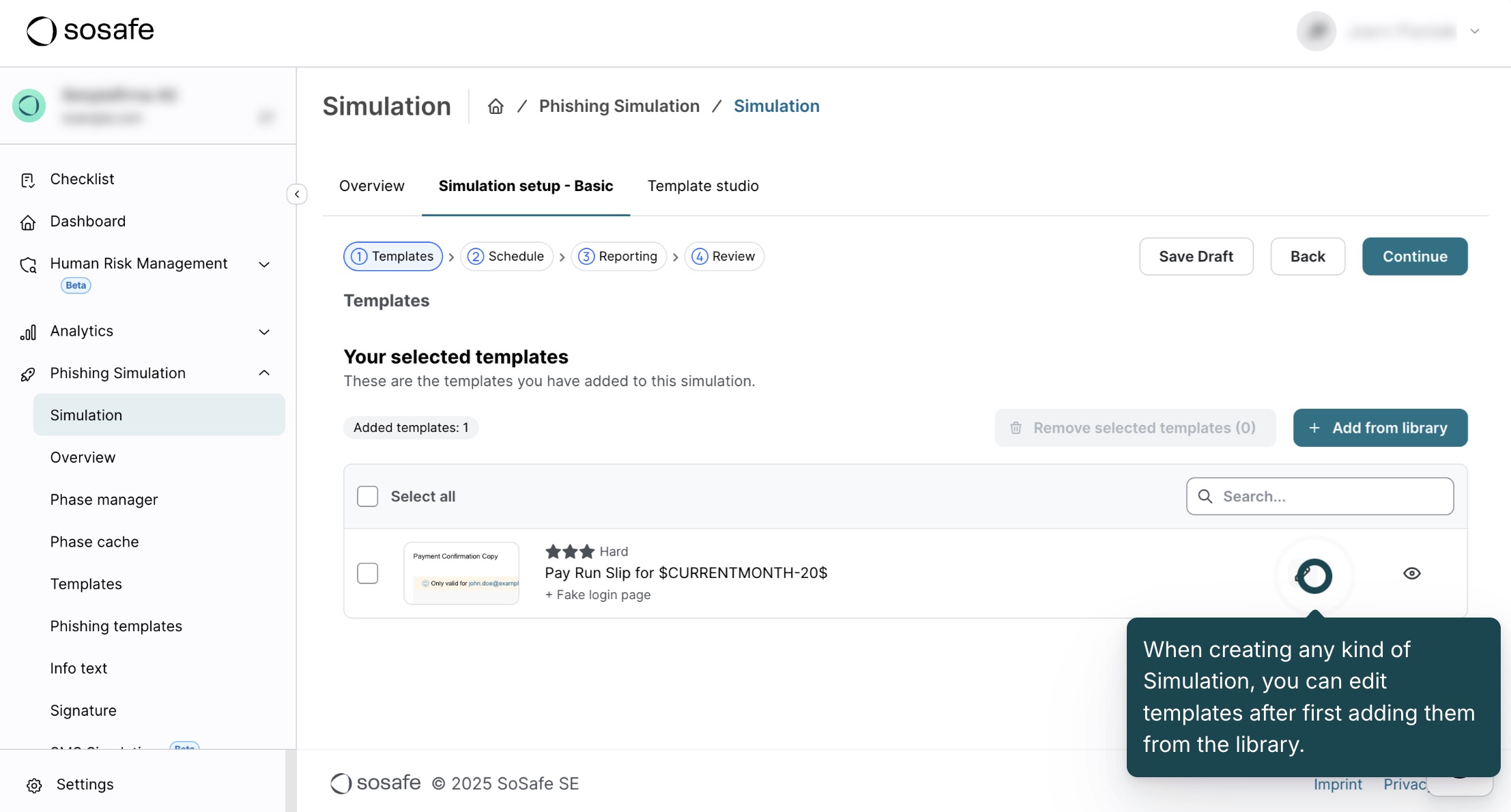
Discover how to quickly edit phishing templates:
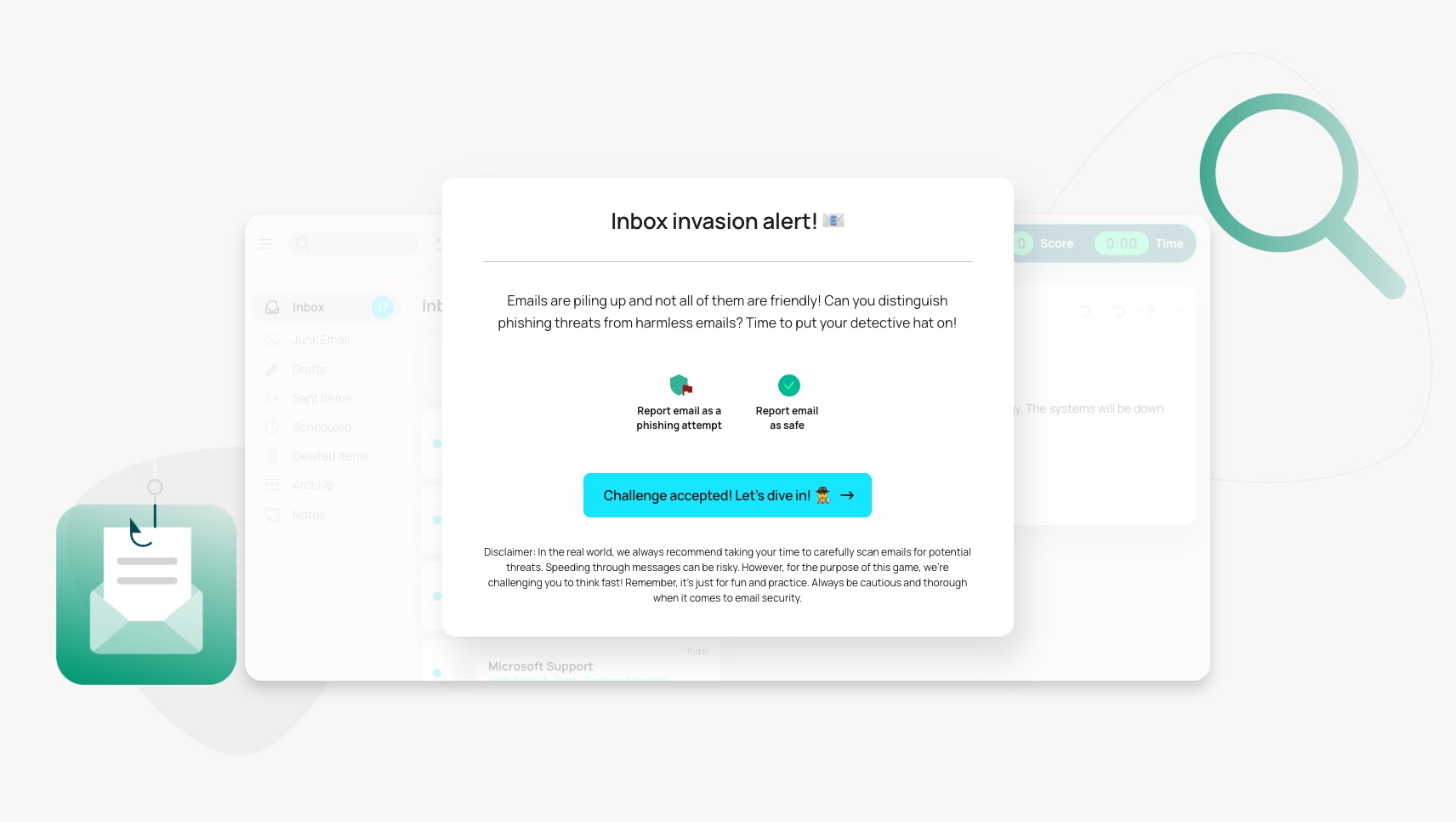
Put your knowledge into practice!
Challenge yourself with this game to see if you can spot all the clues, think fast, and report as many real phishing threats as possible in the shortest amount of time.
See how you stack up, then share it with your team to test your organisation’s overall awareness.
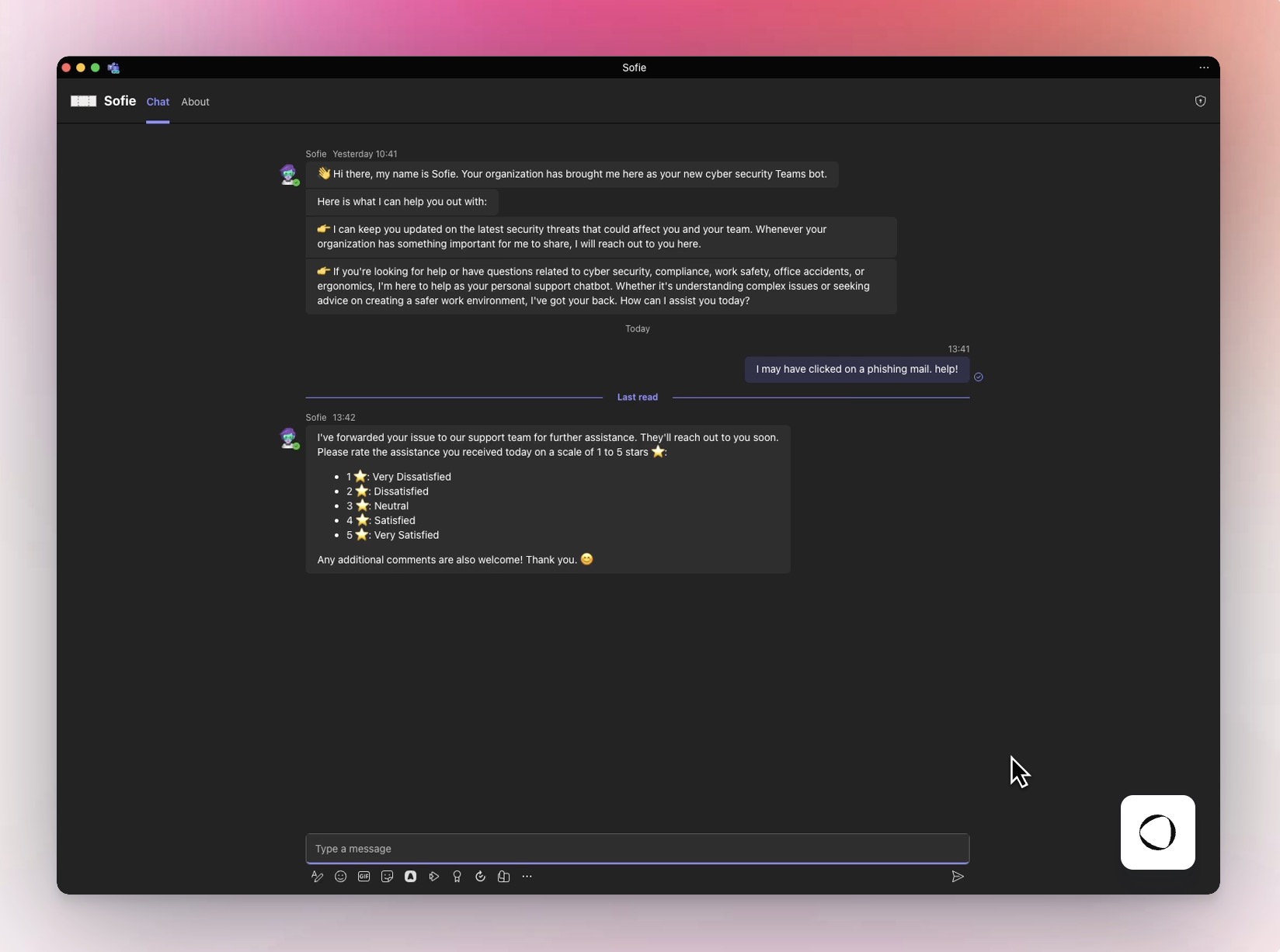
Experience one-click threat reporting and instant employee guidance from the Sofie AI Copilot inside Teams and Slack.
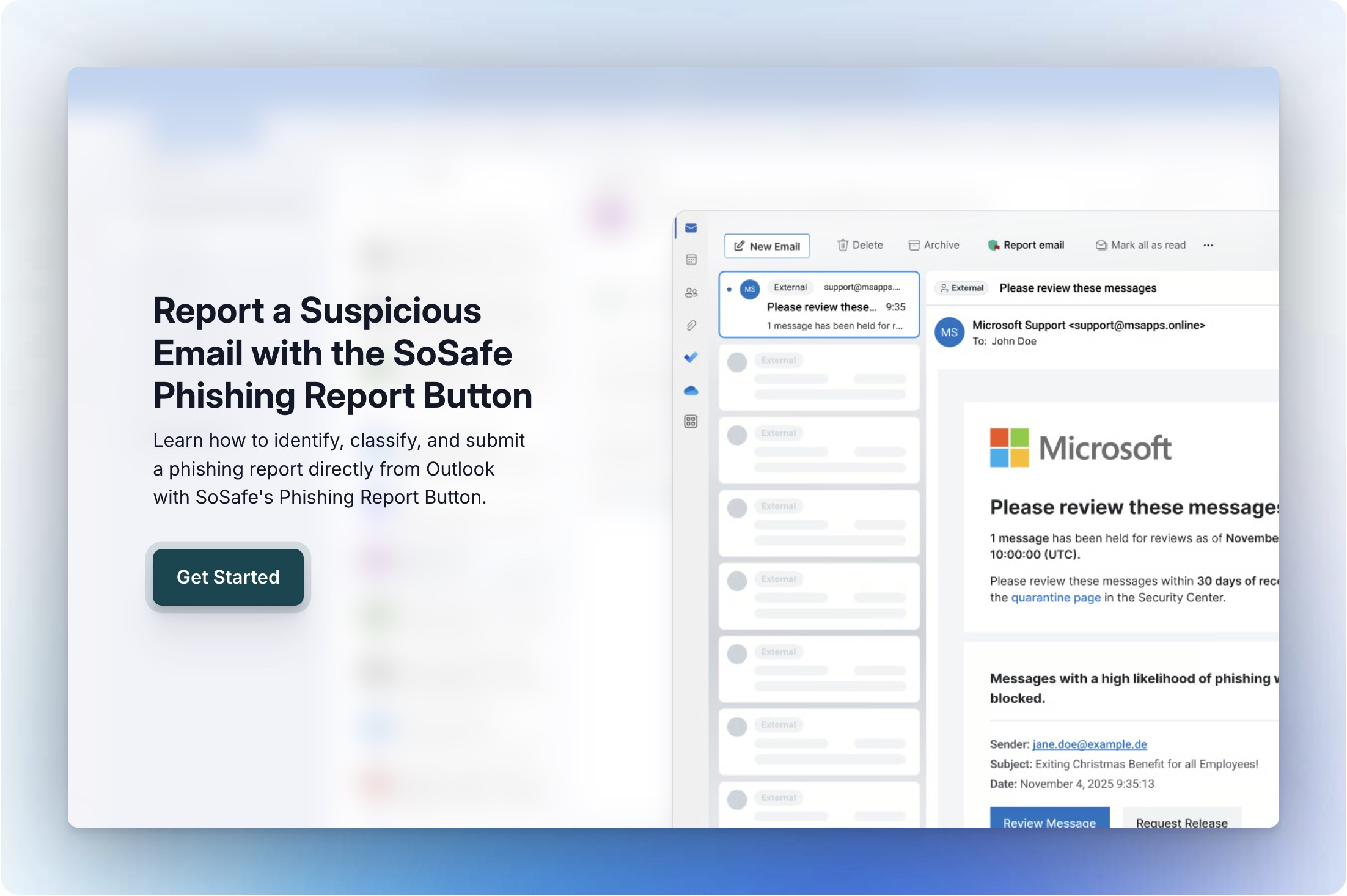
When users spot a suspicious email:
When users spot a suspicious email (in Outlook):
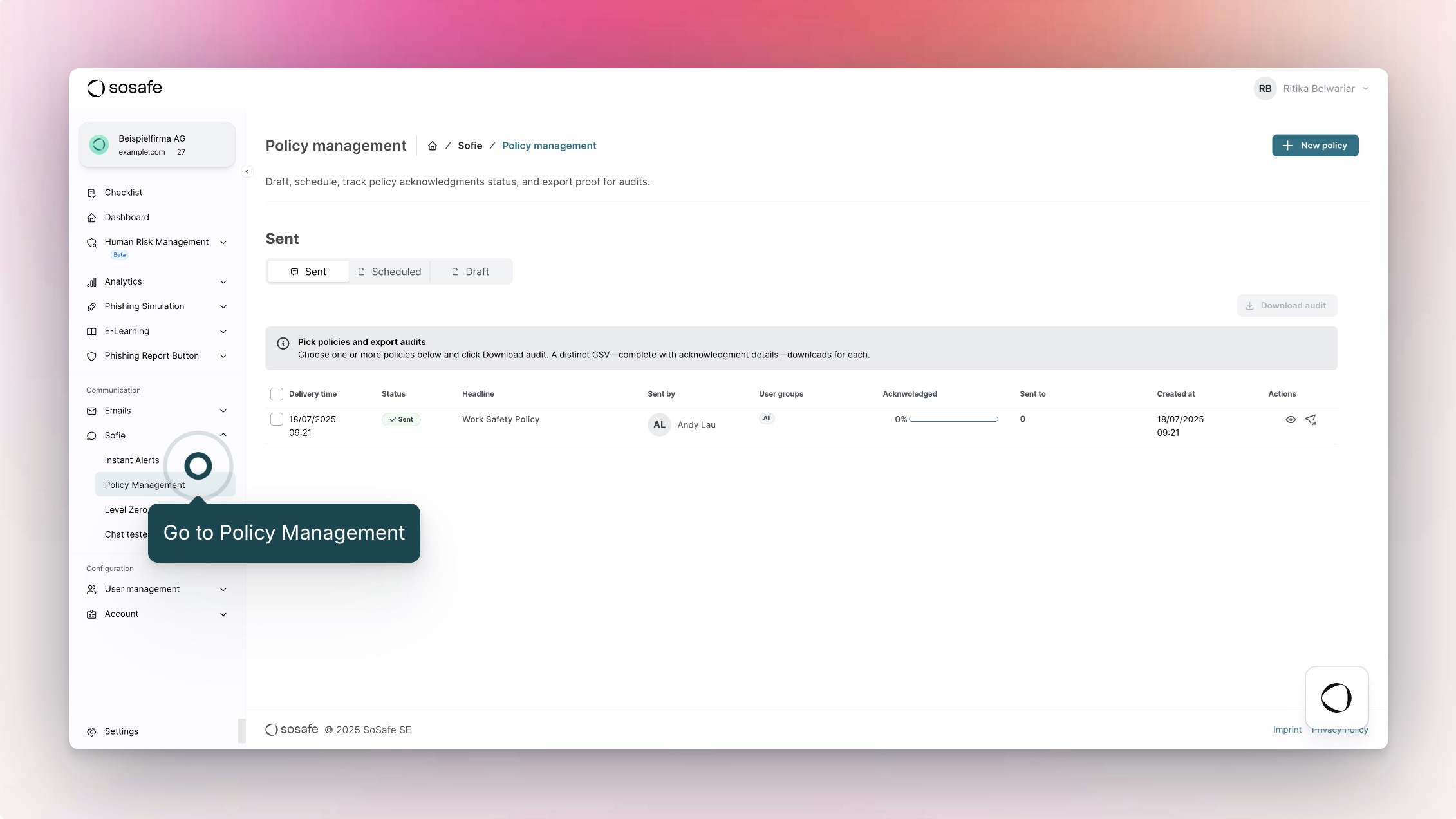
Discover how easy it is for admins to roll out policies with Sofie’s Policy Management.
Sofie can send policies directly to your users through Microsoft Teams or Slack.
Users can read the policy and then acknowledge it directly with a quick interaction with Sofie.
Once users have acknowledged a policy, you can download a complete report from the SoSafe Manager, which is critical for compliance audits.
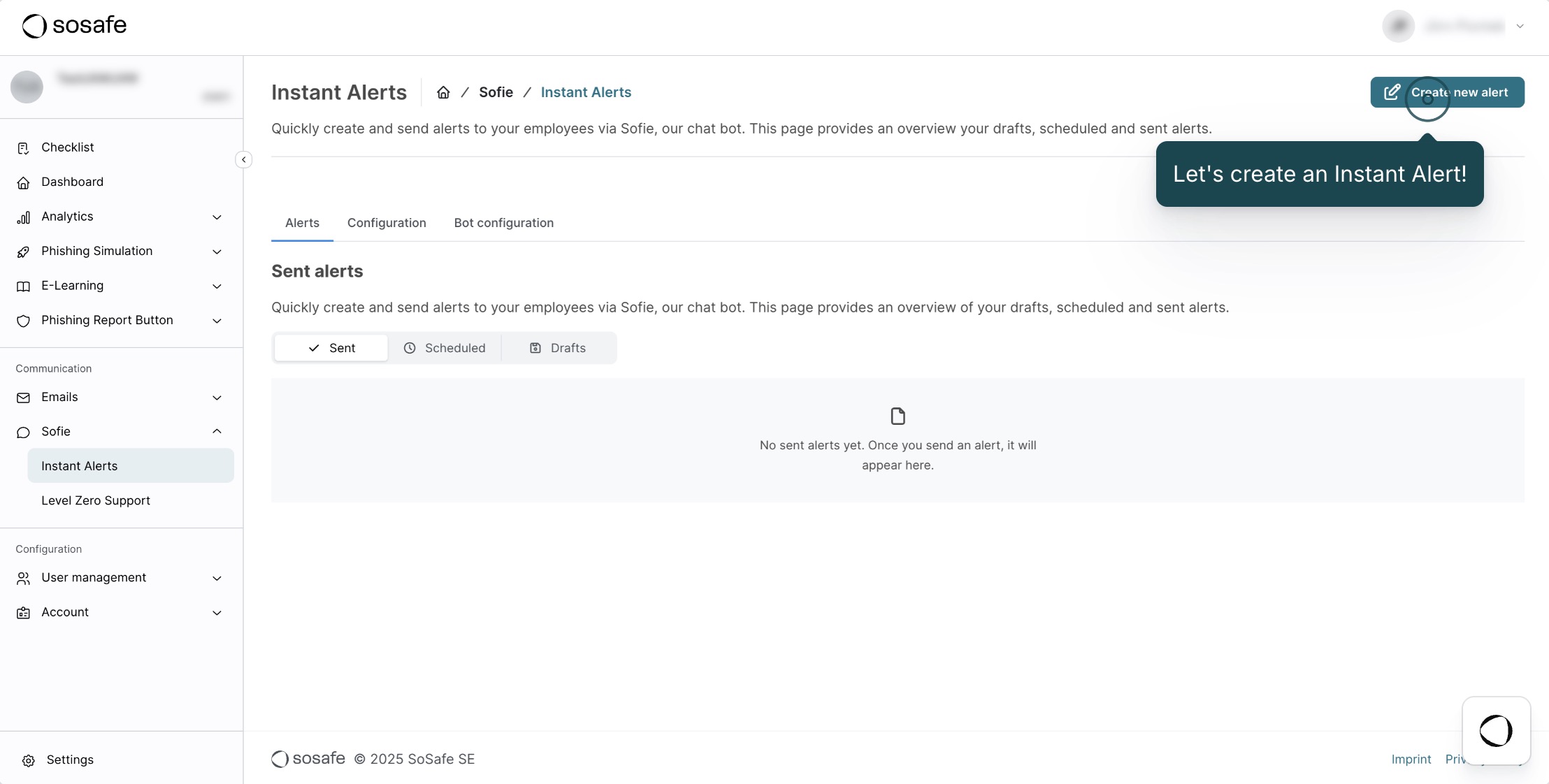
Discover how you can quickly inform the entire company about relevant attacks, vulnerabilities, or other urgent cyber security news using Sofie Instant Alerts.
The Alerts are created in the SoSafe Manager and sent via the MS Teams bot Sofie, so that the employees will receive the alert as a direct message.
You can create the alerts manually, with generative AI, and in multiple languages with just a few clicks.
Discover how Sofie with Level Zero Support acts as a conversational AI assistant:
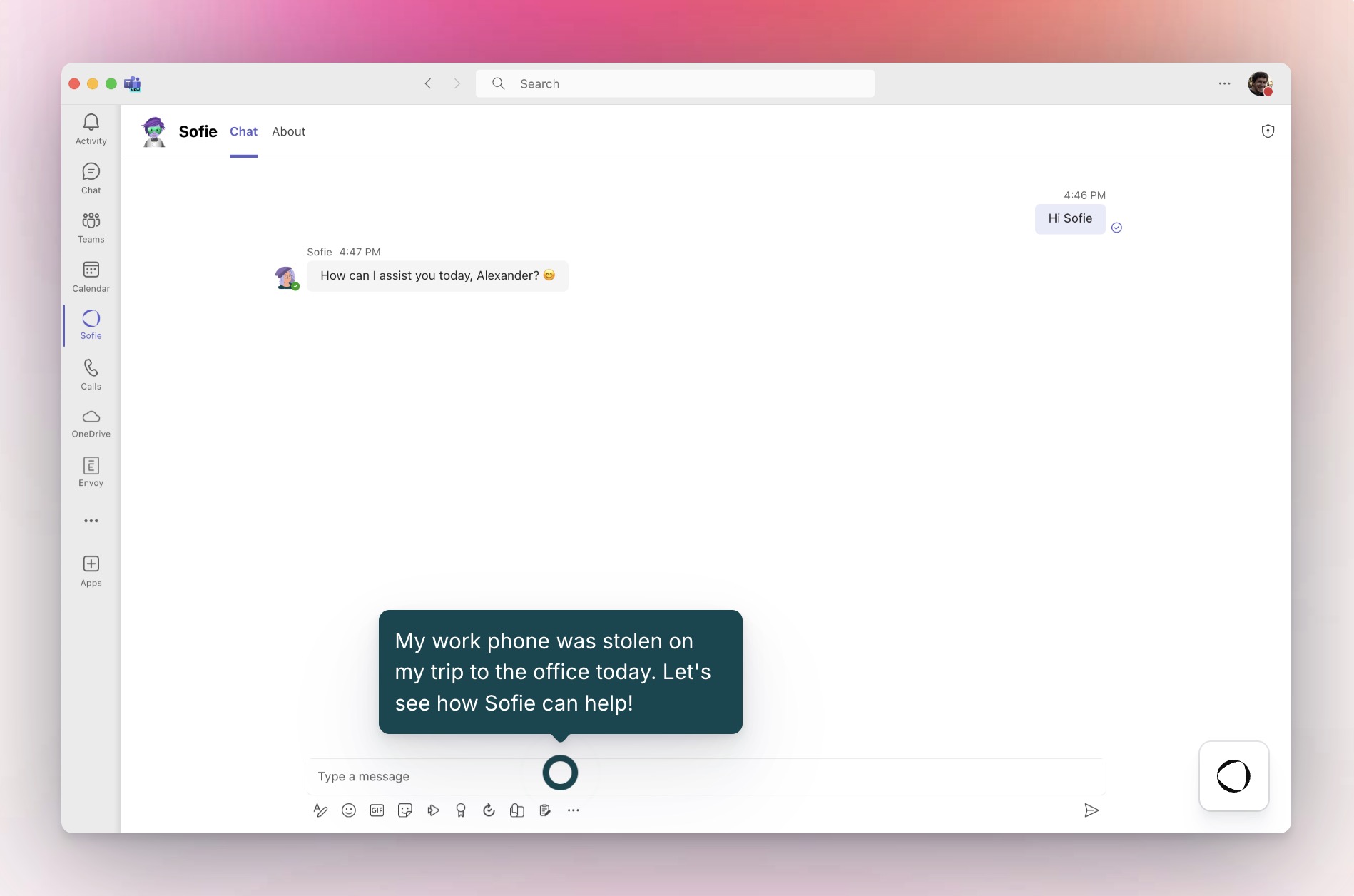
Discover how Sofie with Level Zero Support acts as a conversational AI assistant (in MS Teams):
See how the Human Security Index unifies risk signals to give leaders board-ready visibility and control.
Manage your organisation’s human risk:




Used by 5.4M+ users

Implement enterprise-grade security awareness in just 2 days with only 20 minutes of management time required.

See how our gamified, micro-learning approach gets 70% active reporting in 6 months.

See how organisations like yours reduced phishing click rates from 20% to 3.5% in just 18 months.
Compliance & security











Explore all of our interactive walkthroughs and see how SoSafe empowers your team to prevent cyber threats.
Platform capabilities

Security awareness training
Create safer habits through personalized, gamified, and story-based cybersecurity awareness training.

Smart phishing simulations
Improve your employees’ threat reporting skills and accelerate threat detection.

Always-on human security copilot
Transform your workforce into a proactive defence line with our AI-powered conversational chatbot Sofie.

Human risk management tool
Continuously monitor, measure, and mitigate human risk in real time with the Human Risk OS platform.
Explore our interactive walkthroughs
 Explore demo centre
This page is not available in English yet.
Diese Seite ist noch nicht in Ihrer Sprache verfügbar. Sie können auf Englisch fortfahren oder zur deutschen Startseite zurückkehren.
Cette page n’est pas encore disponible dans votre langue. Vous pouvez continuer en anglais ou revenir à la page d’accueil en français.
Deze pagina is nog niet beschikbaar in uw taal. U kunt doorgaan in het Engels of terugkeren naar de Nederlandse startpagina.
Esta página aún no está disponible en español. Puedes continuar en inglés o volver a la página de inicio en español.
Questa pagina non è ancora disponibile nella tua lingua. Puoi continuare in inglese oppure tornare alla home page in italiano.


 Reports
  Guides
  Blog
Blog  Glossary
  Perks
Perks  Customer stories
  Webinars
  Replays
  Podcast
  All events
  Signal Security Summit
  Danger Lab
 Careers
  News & press
  Contact